

1:1 Direct
One-on-One Meetings
Send personalized links for 15, 30, or 60-minute private consultations with instant calendar booking.
14 Core Capabilities
Eliminate email back-and-forth forever. Share customizable booking links with real-time Google and Outlook calendar synchronization, multi-format meeting types, smart buffer protection, timezone intelligence, and automated reminder alerts.

Booking Speed
Frictionless client scheduling
Time Saved
Eliminates email back-and-forth
No-Show Drop
Via automated email & SMS reminders
Collision Risk
Real-time multi-calendar conflict checks
Intelligent, Frictionless Booking Engine for Individuals & Teams
1:1 Direct
Send personalized links for 15, 30, or 60-minute private consultations with instant calendar booking.
Multi-seat
Allow multiple participants to book into a single workshop or group session with capacity caps.
Coming Soon
Automatically distribute inbound meeting bookings equally across your sales or support reps based on availability.
Multi-Host
Show only time slots where all required hosts and team members are simultaneously free.
Physical
Specify physical meeting addresses, meeting rooms, or client office locations with map previews.
Virtual
Automatically create a Meet Hour video room for every booking, so you and your clients can join the scheduled meeting with just one click.
Monetized
Collect an upfront payment or deposit through Stripe, PayPal, or Razorpay before confirming the booking.
Discovery
Offer free introductory discovery calls, product demos, or quick check-ins with zero checkout friction.
Burnout Shield
Set maximum meetings per day or week, enforce minimum advance notice, and limit future booking horizons to protect your calendar from overload.
Global Sync
Automatically detect each client’s local timezone and dynamically convert all calendar slots with daylight saving adjustments for zero confusion.
Rules
Define customized daily working shifts, weekly availability templates, and date-specific overrides.
Rest Buffer
Automatically insert 5 to 30 minutes of preparation or rest padding before and after each meeting.
Intake Forms
Customize your booking forms with qualification questions, text fields, dropdowns, and file uploads to collect the information you need before each appointment.
Automated
Send instant calendar invitations , branded confirmations, reminder alerts, and follow-ups.
How it works
Sync your Google or Outlook calendar, set your available working hours, and customize duration options.
Embed your booking widget on your website or share your custom URL in emails, social profiles, and proposals.
Clients select a time, receive instant confirmation with video links, and reminders keep no-shows near zero.
| Calendar Protocols | OAuth 2.0 / CalDAV / Google / MS Graph |
|---|---|
| Sync Latency | < 400ms Real-Time Push |
| Time Zone Database | IANA TZDB 2026 Compatible |
| Notification Delivery | 99.98% Deliverability with DKIM/SPF |
These are real MyCaly pages running right now. Open them, pick a time slot or register for the webinar, and see exactly what your clients will experience.
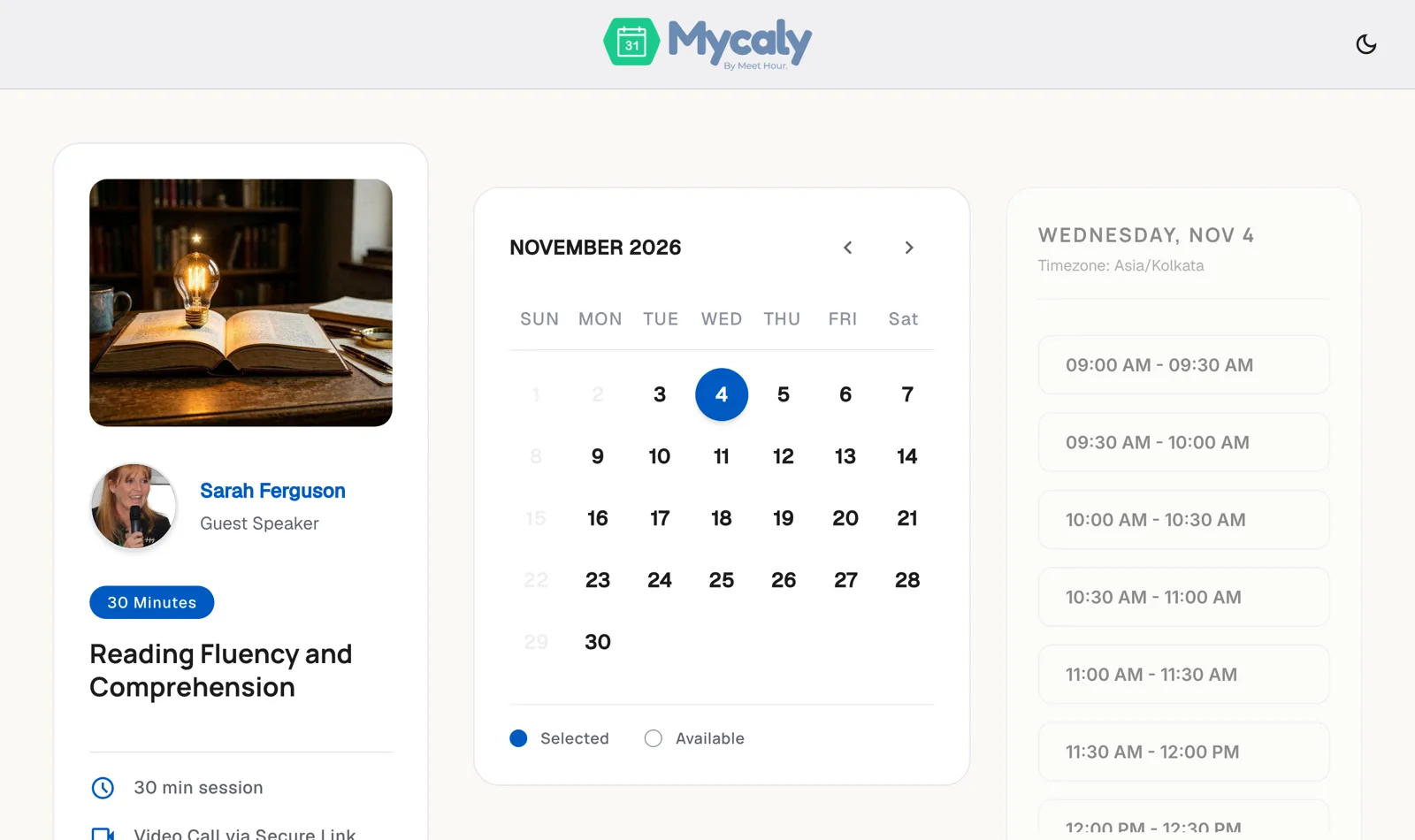
Clients see your real-time availability, choose a date and time in their own time zone, add their details, pay if needed and instantly get a secure video meeting link.
MyCaly checks all your connected Google and Outlook calendar accounts simultaneously in real time. Any busy block on any linked calendar will automatically hide that time slot from your public booking page.
Yes. Every booking confirmation and reminder email includes a secure self-serve link that allows attendees to pick a new open slot or cancel in accordance with your cancellation policy.
Round Robin automatically assigns the meeting to one available team member (ideal for sales qualification or support), while Collective scheduling only offers slots when ALL selected hosts are free at the exact same time (ideal for multi-panel interviews or client reviews).
Absolutely. You can add pre-meeting and post-meeting buffers (e.g., 10 minutes) so you always have time to prepare, take notes, or rest between sessions.
Last updated: 3 November 2026
Start scheduling smarter with MyCaly. Connect your calendars, set your pricing rules, and start accepting client bookings today.
